Battlefield 6 best settings
See infantry, keep frames, and stop fighting the default cinematic preset.
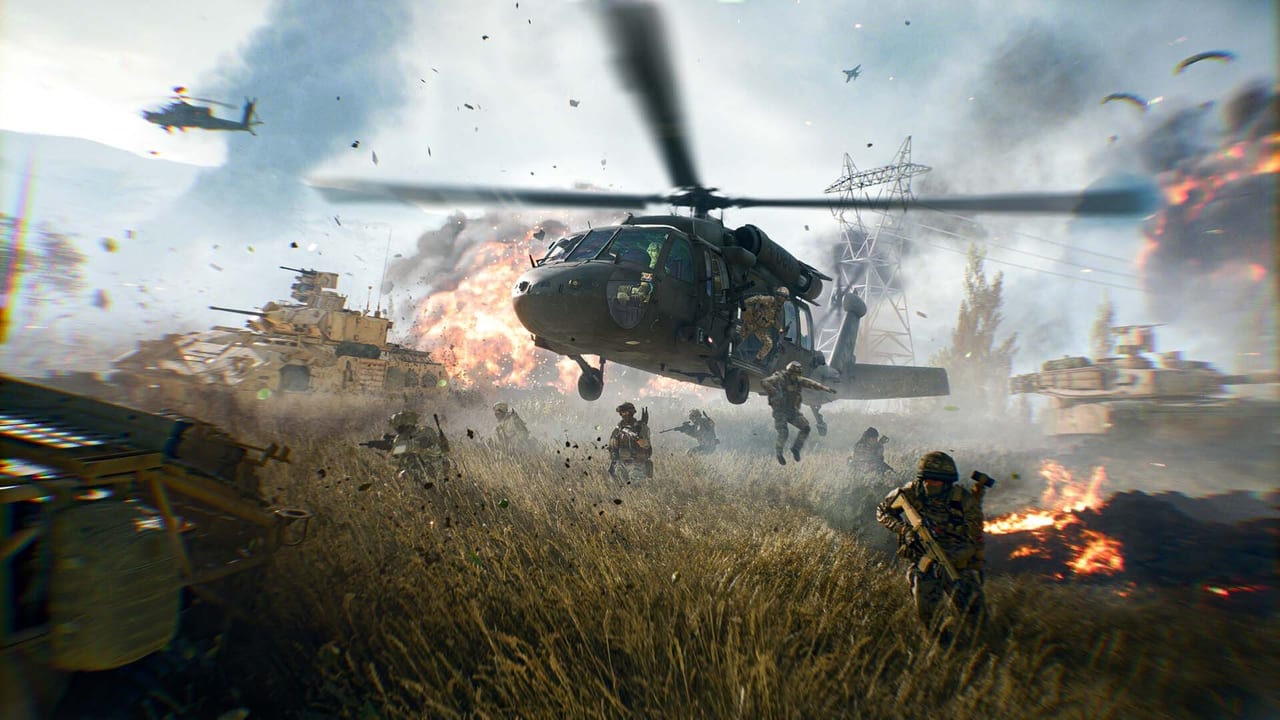
Default Battlefield 6 looks like a trailer. Trailers hide people in smoke, film grain, and motion blur. This page is the visibility pass. Mouse and controller numbers live on controls. Hardware gates live on system requirements. Change settings once, play a week, then change one thing if you still cannot see a player in a bush.
Everyone (console and PC)
- Field of view: 105–115. Lower is cinematic. Higher shows the Recon on your left. If frames collapse, drop other settings before you drop FOV below 100.
- Motion blur: Off. Both world and weapon blur if the menu splits them.
- Film grain / chromatic aberration / vignette: Off. They cost readability for style.
- Depth of field: Off in multiplayer. The campaign can keep it if you like cutscenes.
- Camera shake: Lowest you can live with. Tanks already shake enough.
- Minimap: Large, rotate with view if you can parse it. Tsuru Reef without a map is swimming.
- Network: Wired. Cross-play on unless you have a reason. Region wherever your ping is actually lowest, not wherever a friend once played.
Accessibility color options exist. Use them if you lose enemies in fire and tropical foliage on Tsuru Reef. That is a legitimate competitive setting, not a cosmetic.
Controller extras
Aim assist, curves, and deadzones are on the controls page. In this menu, turn vibration off if it muddies micro-adjustments, and keep infantry sprint on a method your hands already know. FOV on console is the biggest “free” upgrade after blur is gone.
PC graphics, in order
- Fullscreen exclusive (or borderless if you alt-tab constantly and accept the cost).
- V-Sync off. Reflex or the AMD anti-lag equivalent on. You want the shot to fire when you click.
- Upscaling: DLSS / FSR / XeSS on Quality or Balanced. Native with no upscaler is a flex that costs frames on a 64-player map. Frame generation is optional; if it adds input delay you can feel, turn it off.
- Shadows, volumetric, and foliage: Medium or Low. These hide players. Effects can sit higher if you still have GPU headroom.
- Mesh / terrain / undgrowth: Lower until you can see a prone Support. High foliage is how you die to people you never painted.
- Post-process: Low. Ambient occlusion off or low.
- Texture quality: As high as VRAM allows. 8 GB cards should not max this next to a 64-player map.
A 3060 Ti-class recommended GPU should target 1440p with upscaling and high-ish textures, not Ultra++. A 2060-class minimum GPU should target 1080p low/medium and a stable 80-plus if you care about gunfeel. The system requirements page lists the official tiers; this page tells you which sliders actually steal soldiers from the screen.
Audio
Turn music down. Keep effects and footsteps up. 3D audio or HRTF on if your headset images well. War is loud on purpose; a “cinematic mix” will bury the Engineer torch behind a jet. If you play with a group, leave voice chat on and proximity experiments (when EA enables them in a playlist) at a volume that does not scare you off the boat.
After Season 4
Naval maps add water spray, longer view distances, and more vehicles on screen. If Tsuru Reef is a slideshow and Cairo is fine, drop shadows and effects before you blame the CPU. Patch notes sometimes mention reticle readability — check patch notes after a big update instead of assuming your INI is cursed.
When the game is readable, stop. Go back to loadouts and maps. Settings are a floor. They will not plant the beacon for you.
Frequently Asked Questions
Quick answers to the most common Battlefield 6 questions.
What FOV should I use in Battlefield 6?
105–115 on a 16:9 monitor. Go lower only if you cannot hold a stable frame rate after dropping shadows and blur.
Should I use DLSS?
Yes, Quality or Balanced on NVIDIA cards. Turn on Reflex. Disable frame generation if the delay bothers you.
Why can’t I see people in grass?
Lower foliage, undgrowth, and shadows. Use a color-blind or high-contrast option if the Pacific maps still swallow silhouettes.